

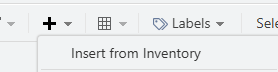
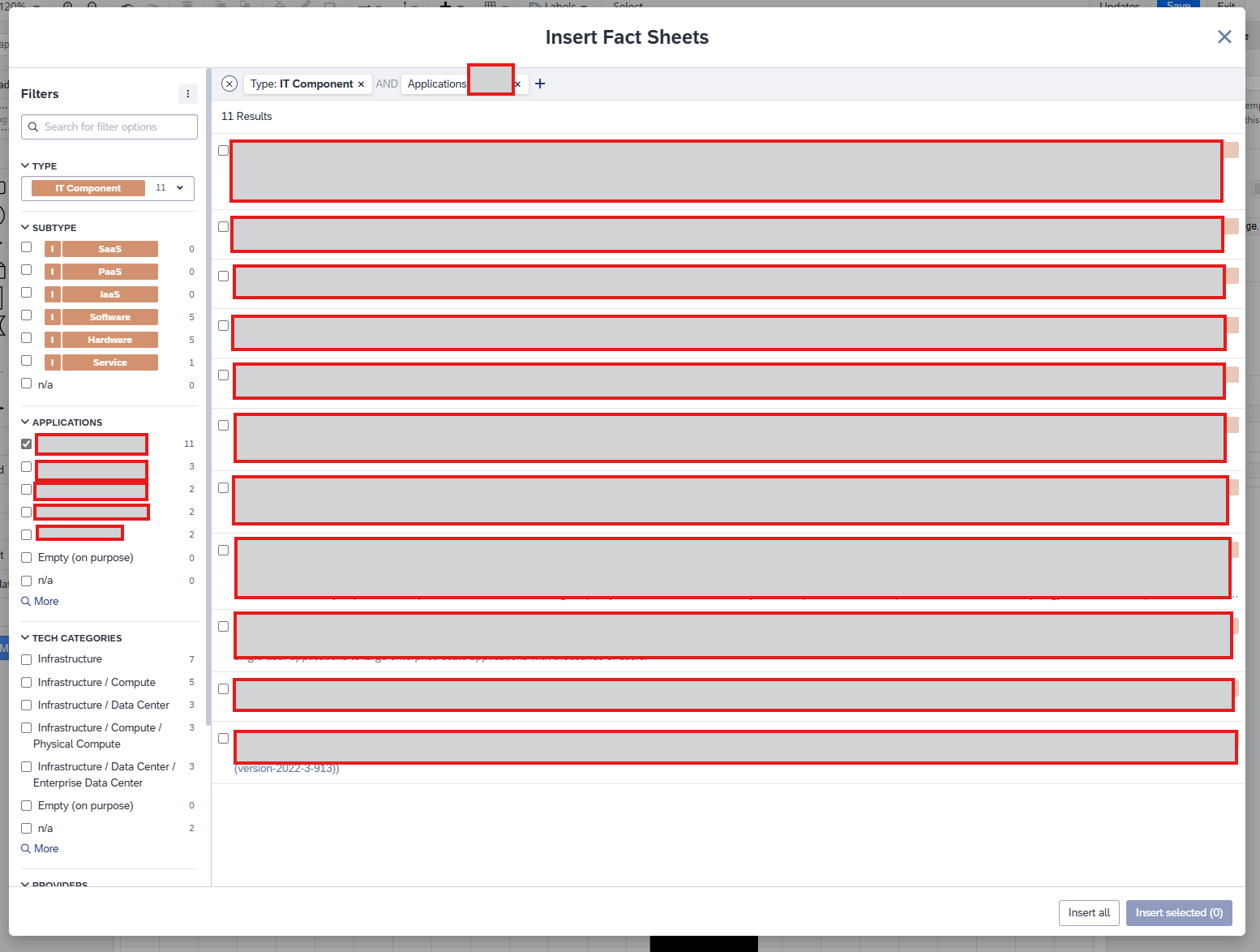
I am trying to update an existing diagram detailing a 360 view of an Application and its associated IT Components, Interfaces, Data Objects, Organizations etc. with any new Fact Sheets that have been created in relation to that Application since it was originally produced. When I am adding Fact Sheets to the Diagram from Inventory I can use a filter in the search to be able to filter down to things related to the Application, but I can’t see a way of identifying in the result set (or through a further filter) which Fact Sheets already exist in my diagram and which ones need to be added - is there any way of doing this?

Solved
Adding missing Fact Sheets to an existing Diagram
Best answer by Frauke
Hi
maybe I'm not understanding the problem correctly. But when you add a fact sheet, you can use the menu to display the dependencies (with or without a filter):
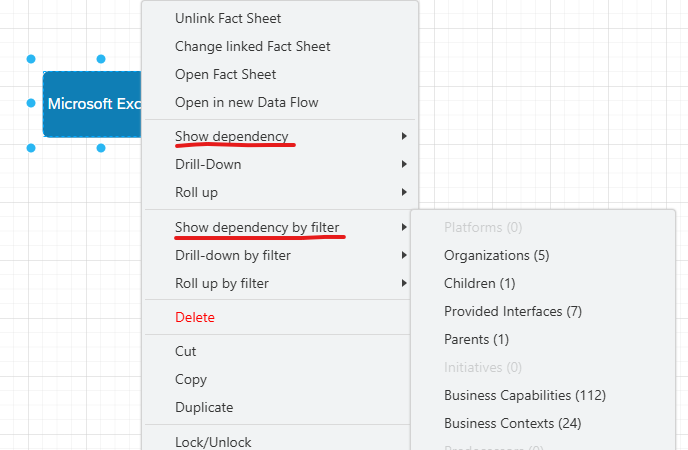
Only those fact sheets that aren't already in the diagram are automatically added. If they're already included, the dependency is automatically added to the existing object.

Login to the community
No account yet? Create an account
Enter your E-mail address. We'll send you an e-mail with instructions to reset your password.